
Simple Ways to Stay Safe Online
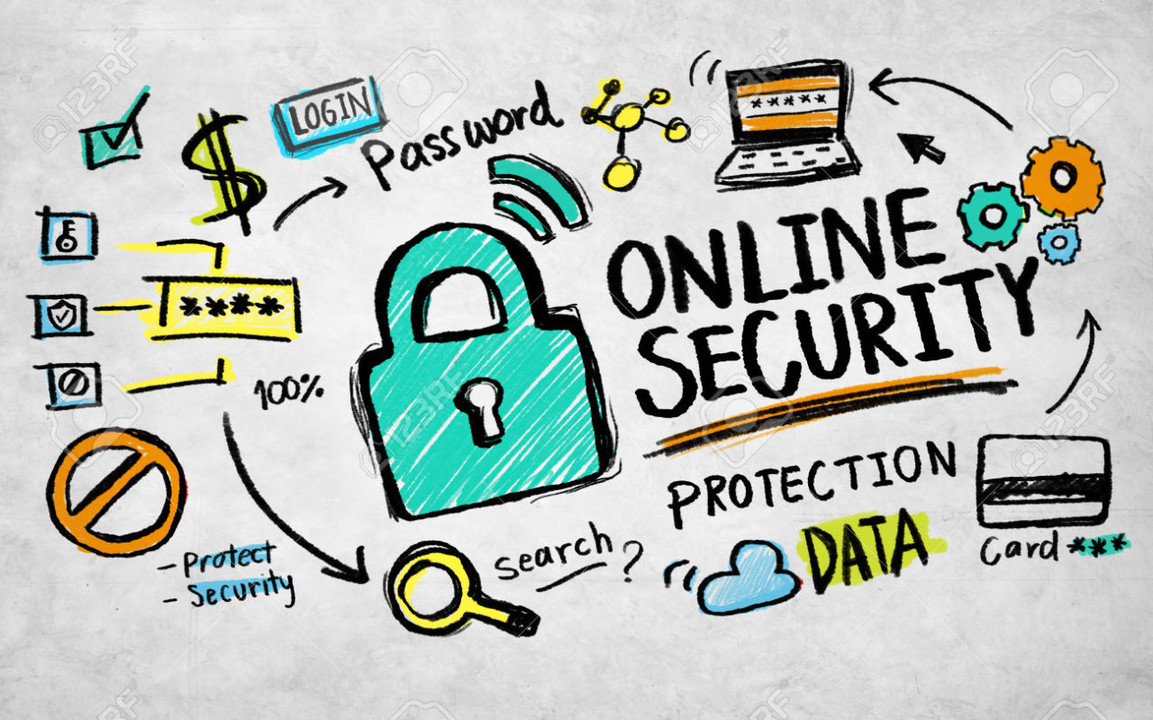
The internet has become deeply integrated into everyday life, shaping how people work, communicate, learn, and manage personal information. While digital access offers convenience and opportunity, it also exposes users to evolving security risks.
Online safety does not require advanced technical expertise. In most cases, consistent habits and basic awareness significantly reduce exposure to common threats. This article outlines ten practical and accessible practices that help individuals maintain control over their digital security.
1. Use Strong and Unique Passwords
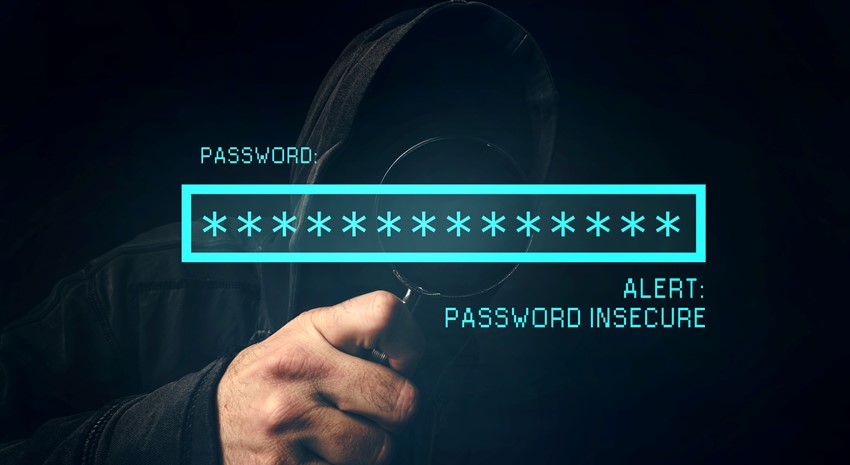
Passwords remain the primary defense for most online accounts. Weak or reused passwords allow attackers to compromise multiple services with minimal effort.
A strong password combines length, unpredictability, and uniqueness. Avoid using names, dates, or common phrases. Each account should have its own password to limit damage if one service is breached.
2. Enable Two-Factor Authentication
Two-factor authentication adds an additional verification step beyond passwords. This often includes a one-time code sent to a device or generated by an authentication app.
Even if a password is compromised, two-factor authentication prevents unauthorized access by requiring physical or device-based confirmation.
3. Keep Software and Devices Updated
Software updates frequently include security patches that address known vulnerabilities. Delaying updates leaves systems exposed to threats that attackers actively exploit.
Enable automatic updates whenever possible to ensure operating systems, browsers, and applications remain protected without manual intervention.

4. Be Cautious with Emails and Messages
Phishing remains one of the most common online threats. Attackers use emails and messages designed to appear legitimate in order to steal credentials or deliver malware.
Avoid clicking links or downloading attachments from unknown or unexpected sources. Verify requests for sensitive information through official channels.
5. Use Secure and Trusted Websites
Secure websites use encryption to protect data transmitted between users and servers. Browsers typically indicate secure connections with a lock icon and “https” in the URL.
Avoid entering personal or financial information on sites that lack encryption or appear untrustworthy.

6. Limit Personal Information Sharing
Oversharing personal information online increases exposure to identity theft and social engineering attacks. Details shared publicly can be combined to impersonate individuals.
Review privacy settings on social platforms and restrict access to personal data whenever possible.
7. Use Trusted Security Software
Antivirus and security tools help detect malware, block malicious websites, and monitor system activity. These tools act as an additional safety layer alongside user behavior.
Keep security software updated to ensure it recognizes the latest threats.

8. Avoid Public Wi-Fi for Sensitive Activities
Public Wi-Fi networks are often unsecured, allowing attackers to intercept data or manipulate connections. Activities involving passwords or payments should be avoided on public networks.
If public Wi-Fi must be used, consider a virtual private network (VPN) to encrypt traffic.
9. Back Up Important Data Regularly
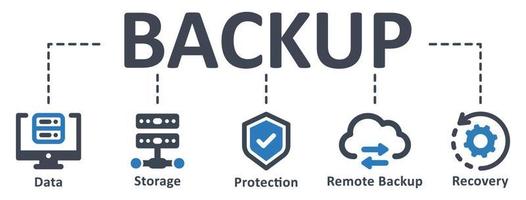
Data loss can result from malware, device failure, or accidental deletion. Regular backups ensure information remains accessible even after incidents.
Store backups securely using trusted cloud services or external storage devices.
10. Stay Informed and Aware
Cyber threats evolve continuously. Staying informed about common attack methods helps users recognize risks before damage occurs.
Developing awareness transforms online safety into a routine practice rather than a reaction to incidents.
Conclusion
Online safety is achieved through consistent habits rather than complex tools. Small, intentional actions significantly reduce exposure to digital risks.
By applying these ten practices, individuals strengthen their control over personal information and create a safer digital environment for daily activities.


Leave a Reply